AI Image Editor
Transform your photos with natural language prompts, no design skills required.
What is AI Image Editor
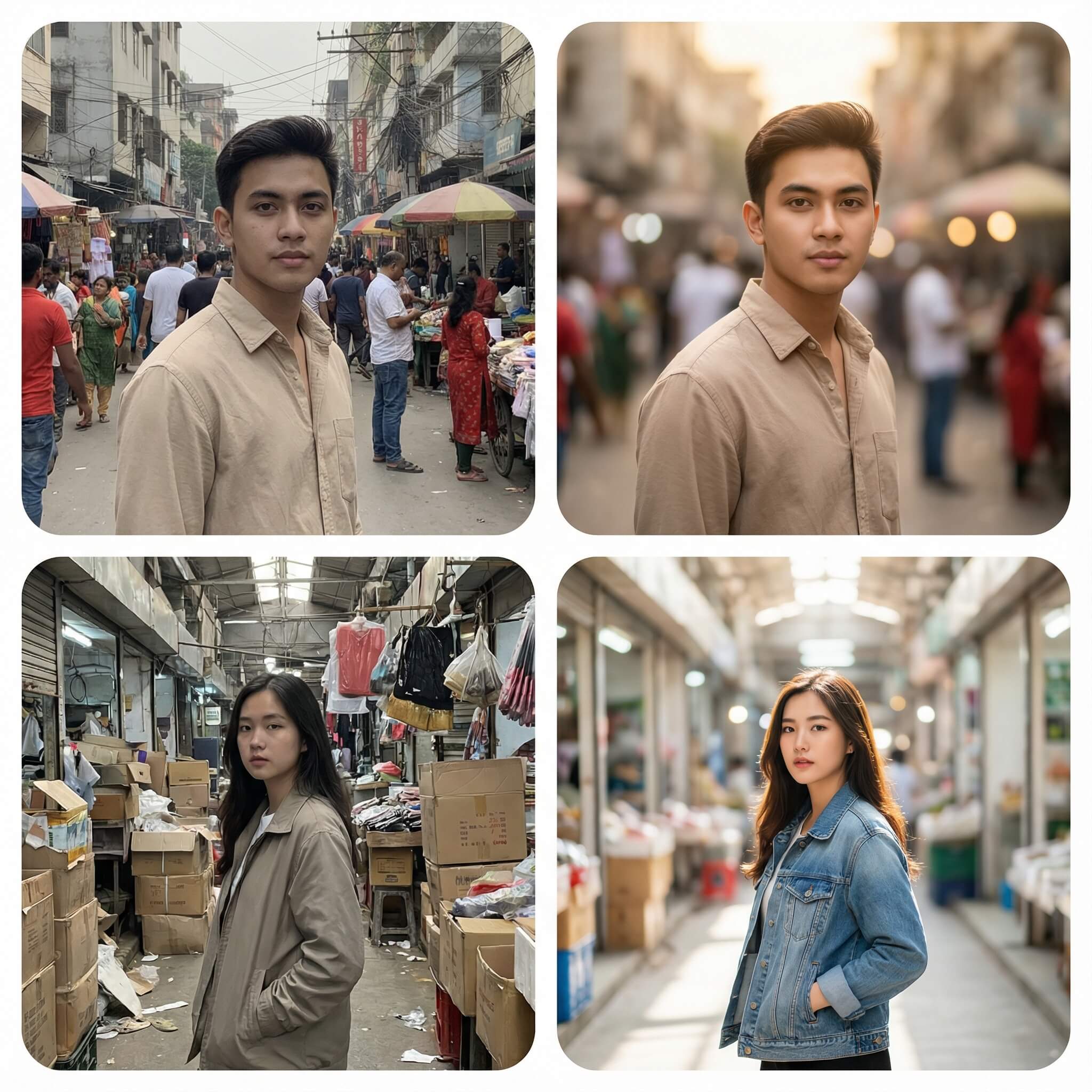
AI Image Editor is an AI-powered image editing tool that uses natural language prompts to transform your images. Simply upload an image and describe the changes you want, and AI will do the rest.
- Natural language editingNo need to learn complex editing software. Just describe what you want in plain English, and AI will make the changes for you.
- Fast and accurateGet results in seconds. Our AI understands context and makes precise edits based on your prompts.
- Multiple edit typesChange colors, add effects, remove objects, adjust styles, and more — all through simple text prompts.
Why choose AI Image Editor
Edit images faster and easier with AI Image Editor: free to use, no design skills required, and instant results.
How to use AI Image Editor
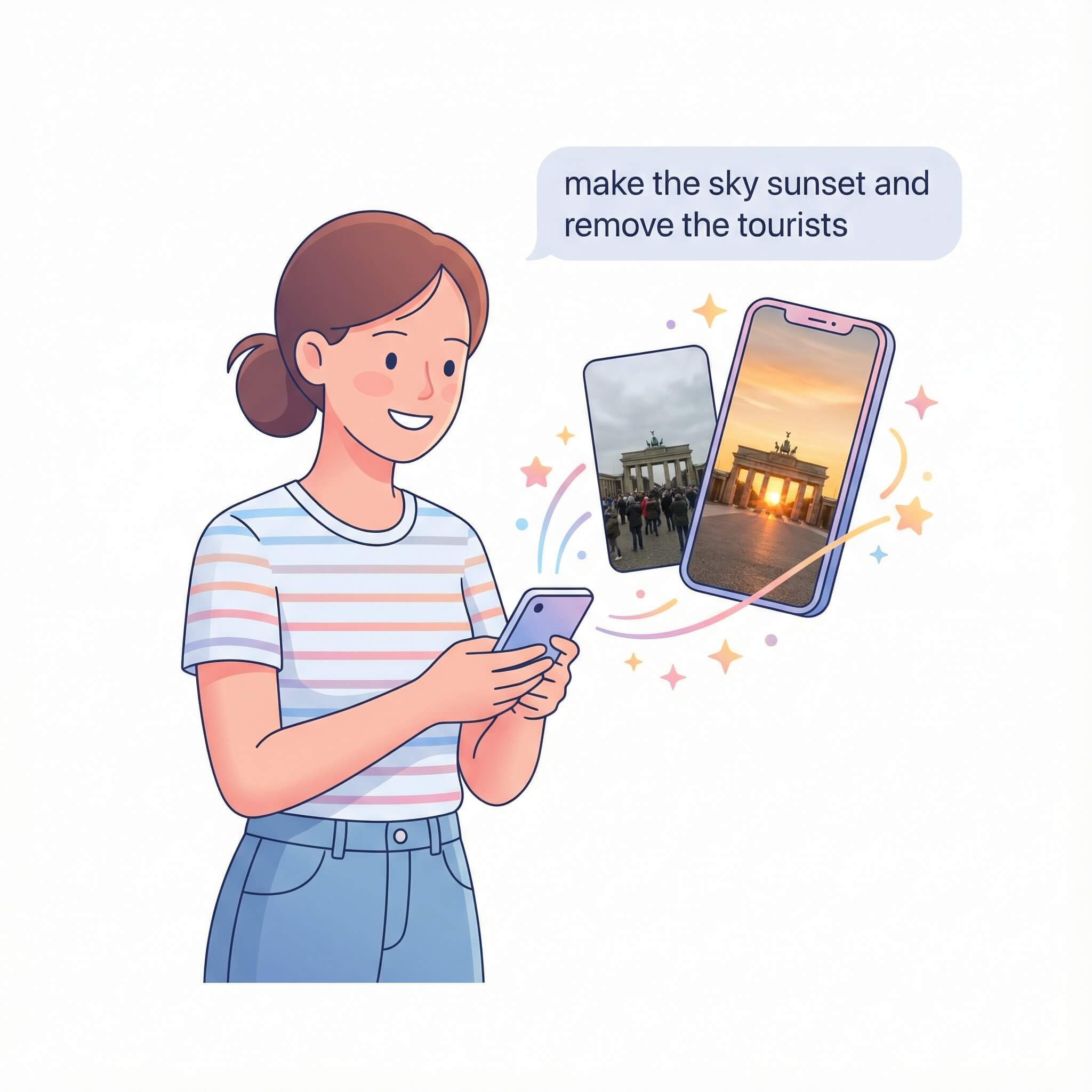
Three simple steps to edit your images: upload → describe → download.
Upload your image
Drag and drop or click to select an image from your device. Supports JPG, PNG, and other common formats.
Describe your changes
Enter a prompt describing what you want to change. For example: 'make the sky more blue' or 'add a vintage filter'.
Download your edited image
Review the result and download your edited image. You can make additional edits if needed.
Core features of AI Image Editor
Powerful editing capabilities powered by AI to help you transform your images effortlessly.
Style transformation
Change the style of your images — make them look vintage, modern, artistic, or any style you prefer.
Color adjustments
Adjust colors, brightness, contrast, and saturation through simple text prompts.
Object manipulation
Add, remove, or modify objects in your images using natural language descriptions.
Background changes
Replace or modify backgrounds with ease. Describe the background you want, and AI will do it.
Quality preservation
Maintains high image quality throughout the editing process. Your images stay sharp and clear.
Batch editing
Apply the same edits to multiple images quickly and efficiently.
Frequently Asked Questions about AI Image Editor
More questions? Contact us via email.
What is AI Image Editor? How does it work?
AI Image Editor is an AI-powered tool that lets you edit images using natural language prompts. Upload an image, describe the changes you want, and AI will edit the image accordingly.
Do I need design skills to use AI Image Editor?
No. AI Image Editor is designed for everyone. Just describe what you want in plain English, and the AI will handle the technical editing.
What image formats are supported?
AI Image Editor supports common image formats including JPG, PNG, and WebP. Maximum file size is 10MB.
How long does it take to edit an image?
Most edits are completed within 10-30 seconds, depending on the complexity of the changes requested.
Start editing images with AI
Try AI Image Editor now and transform your images with natural language prompts.